

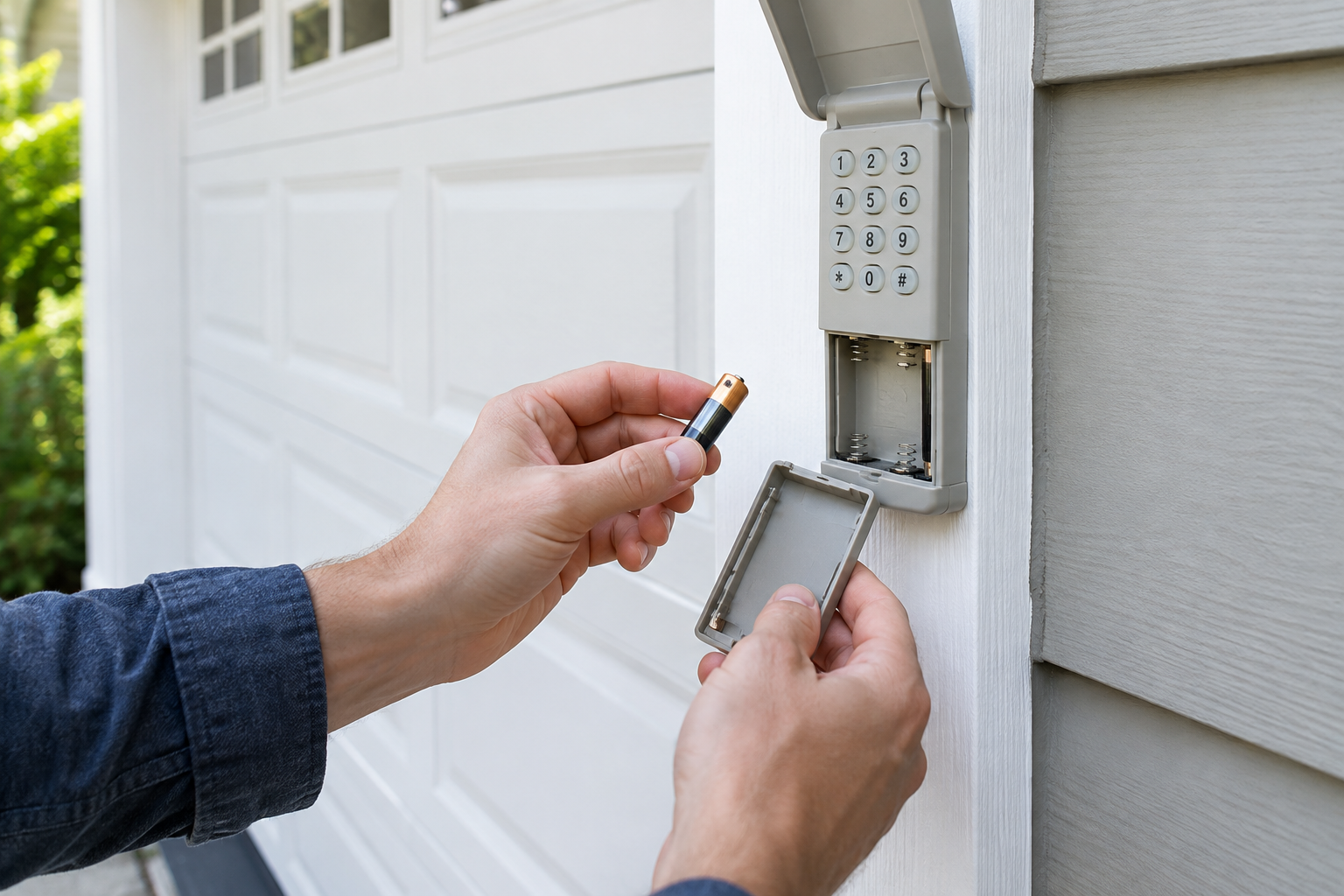
You popped in a fresh battery, closed up the keypad, and walked over expecting it to work like it did yesterday. Instead, nothing. No beep, no light, no door movement. It’s one of the more annoying garage door problems because it feels like it should be a two-minute fix, and most of the time it actually is, once you know where to look.
This happens more often than people think, and it’s almost never because the keypad is broken. Something in the process of swapping the battery usually knocks the unit out of sync with your opener, or the new battery itself isn’t making a clean connection. Let’s go through the checklist in the order that actually solves the problem fastest.
Start With the Battery Itself
Before you assume anything electronic has gone wrong, double check the physical basics. It sounds obvious, but this is where most of these problems actually start.
Check the Orientation
Garage keypads are small, and the plus and minus markings inside the battery compartment are often tiny and worn from years of use. It’s easy to slide a battery in backward without noticing, especially if you’re doing this in dim light or in a rush. Pull the battery back out and confirm the polarity matches the diagram molded into the plastic housing.
Look at the Contacts
The metal contact springs inside the compartment can develop a thin layer of corrosion or oxidation over time, especially in a garage that deals with humidity or temperature swings. If your keypad sat with a dying or leaking battery for months before you swapped it, there’s a decent chance the contacts have some buildup on them. A pencil eraser or a bit of fine sandpaper works well to clean the contact points. Wipe away any residue with a dry cloth afterward and make sure nothing feels loose or bent.
Confirm the Battery Is Actually Good
New batteries fail more often than people expect, especially if they’ve been sitting on a shelf or in a junk drawer for a while. Test the replacement with a multimeter if you have one, or just try a battery you know is fresh from a different package. Most wireless keypads use a 9-volt or a coin cell battery depending on the brand, so make sure you grabbed the correct type and not a similar looking substitute.
If you’re due for a full keypad replacement rather than another battery swap, it’s worth browsing a universal garage door keypad replacement option instead of hunting for a discontinued model that matches your old one exactly.
Chamberlain Clicker Universal Keypad
Works across most major opener brands, so you’re not stuck hunting for a discontinued exact match.
Reset and Reprogramming Requirements
Here’s the part most people miss: pulling the battery out for more than a few seconds can wipe the keypad’s memory or reset its connection to your opener, depending on the brand and model. Some keypads hold their programming through a battery change just fine. Others, particularly older Genie and Linear models, lose their code the moment power drops.
If your keypad went dead for a while before you noticed and replaced the battery, treat this like a fresh installation rather than a simple swap. You’ll likely need to re-enter your PIN and walk through the learn code process again using the opener’s programming button, which is usually located near the antenna wire on the motor unit.
Chamberlain and LiftMaster keypads typically require you to press the “9” and asterisk keys simultaneously to enter programming mode, then punch in your four digit PIN. Genie models often use a different sequence involving the keypad’s own program button. Check the manual for your specific model, since the sequence really does vary, and using the wrong one won’t hurt anything but it also won’t fix your problem.
Check for Lock or Vacation Mode
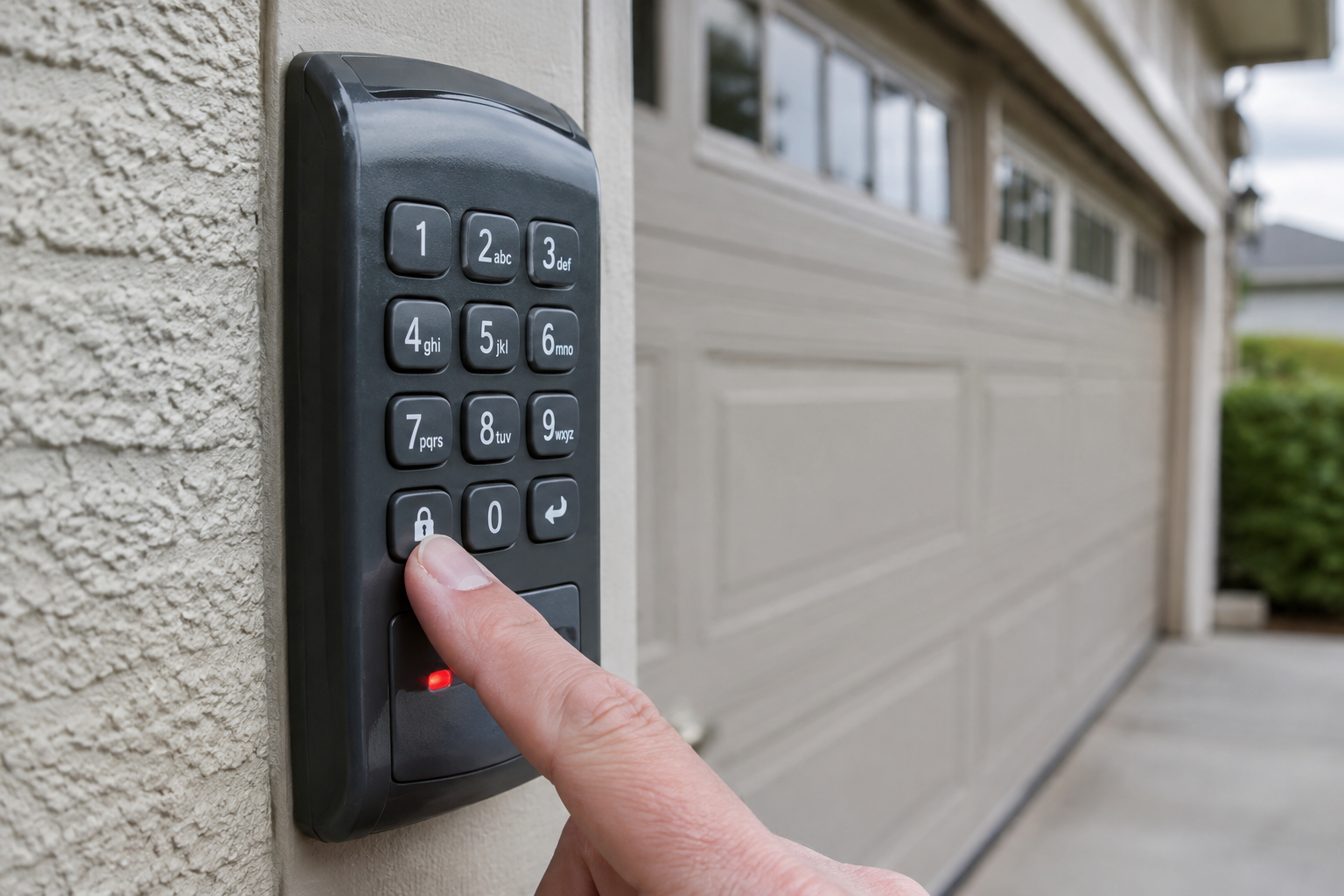
This one trips people up constantly. Many keypads and openers have a lock or vacation mode that disables remote and keypad access entirely, usually meant for when you’re traveling and want to prevent anyone from opening the door with a code. If that mode was active before your battery died, it’s still active now, and a fresh battery won’t override it.
Look for a small lock icon or a dedicated lock button on your opener’s wall console inside the garage. On most Chamberlain and LiftMaster systems, holding that lock button for a couple of seconds toggles it off, and you’ll usually see a light flash or hear a beep to confirm the change. It’s a quick check, but it’s one people overlook because they’re focused on the keypad itself rather than the console inside.
Confirm Opener Compatibility
If you replaced the keypad itself along with the battery, or if this is an older keypad that’s been swapped between openers over the years, compatibility could be the real issue. Not every keypad talks to every opener, and frequency mismatches are common when mixing brands or when an opener is more than 15 years old.
Openers manufactured before 2011 generally use fixed code technology, while newer models use rolling code security systems that change the signal each time for safety. A keypad built for one system typically won’t sync properly with the other, no matter how many times you try to reprogram it. Check your opener’s manual or the label on the motor unit for the model number, then confirm your keypad is rated to work with that generation of hardware.
If you’re dealing with a mismatch, a universal keypad is usually the easiest fix rather than trying to track down the exact original part number from a company that may not even make it anymore.
Genie GK-R Wireless Keypad
A solid pick if you already own a Genie opener and want guaranteed compatibility without guesswork.
Rule Out Signal Issues
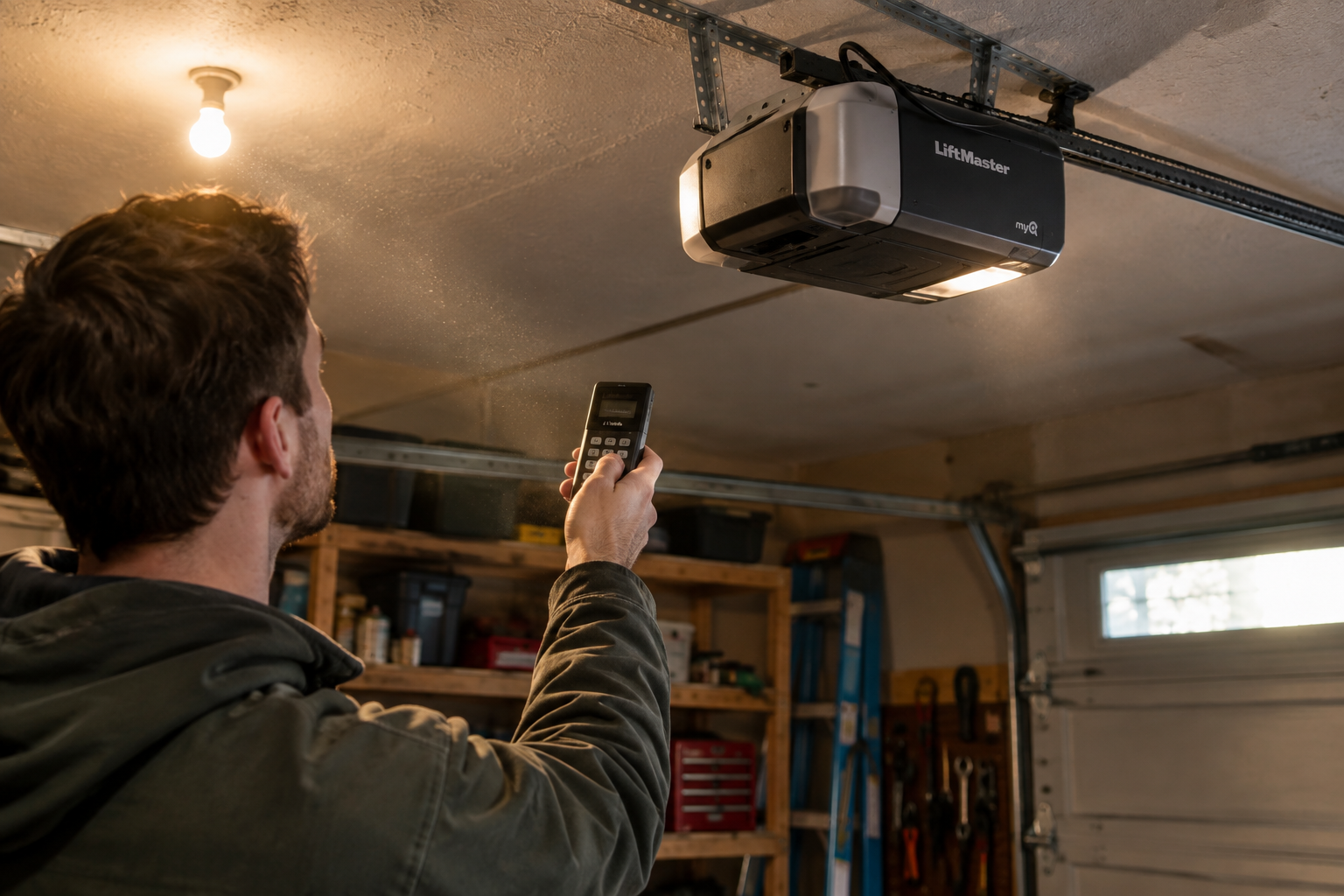
Even a properly programmed keypad with a good battery won’t work if the signal isn’t reaching the opener. This is less common right after a battery change specifically, but it’s worth ruling out before you assume the keypad is dead.
- Check that the opener’s antenna is hanging down freely and isn’t tucked up against the motor housing or wrapped in wiring, which can weaken reception significantly.
- Test the keypad from close range, standing just a few feet from the door, since distance and obstructions matter more than people expect.
- Look for new sources of interference nearby, such as an LED shop light, a new WiFi router, or another wireless device installed around the same time as your battery change.
- Make sure nothing metal, like a parked car or a storage shelf, is sitting directly between the keypad and the door opener.
If range seems to be a recurring headache even after you sort out the battery problem, our guide on fixing garage door remote range problems covers antenna positioning and interference in more detail.
When the Keypad Itself Has Failed
Sometimes the battery change just happened to coincide with the keypad reaching the end of its life, which is frustrating but not unusual for units that have been mounted outside for five or more years. UV exposure, temperature swings, and moisture all take a toll on the internal circuit board and rubber buttons over time.
A few signs point toward outright failure rather than a programming or battery issue. If the keypad shows zero response at all, no light, no beep, no button feedback, even with a battery you’ve confirmed is good and properly seated, the circuit board itself may have failed. Cracked housings, water damage inside the compartment, or buttons that feel mushy and unresponsive are also red flags that replacement makes more sense than repair.
Wireless keypads are inexpensive enough that troubleshooting an old, weathered unit for hours usually isn’t worth your time. A new universal keypad installs in under fifteen minutes and often comes with better weather sealing than units from a decade ago.
LiftMaster 877LM Wireless Keypad
Backlit keys and solid weather resistance make this a dependable upgrade if your old keypad is showing its age.
A Quick Troubleshooting Order That Saves Time
If you want to work through this efficiently instead of jumping around, follow this order:
- Reseat the battery and confirm correct polarity.
- Clean the battery contacts with a pencil eraser.
- Test with a battery you know is fresh.
- Check for lock or vacation mode on the wall console.
- Reprogram the keypad following your opener brand’s specific sequence.
- Confirm the keypad and opener are compatible generations.
- Rule out antenna and interference issues.
- Replace the keypad if none of the above resolves it.
Most people find the fix somewhere in the first three steps. It’s rarely the dramatic scenario people expect.
Frequently Asked Questions
Why did my garage keypad stop working right after I changed the battery, but my remote still works fine?
This usually points to something specific to the keypad, either a programming reset triggered by the power loss, a lock mode toggle, or a bad connection at the battery contacts. Since your remote still communicates with the opener, you can rule out bigger issues like antenna damage or a failed motor unit receiver.
Do all garage keypads lose their programming when the battery is removed?
No, it depends on the brand and model. Some keypads store their PIN and pairing information in non-volatile memory that survives a battery change, while others reset completely the moment power drops for more than a few seconds. If you’re not sure which type you have, just try entering your existing PIN first before assuming you need to reprogram from scratch.
Can cold weather cause a garage keypad to stop working after a battery change?
Cold temperatures can reduce battery output and make marginal connections fail that would have worked fine in warmer weather. If you’re changing batteries in winter, use a fresh, high quality battery rather than one that’s been sitting around, and consider our guide on garage doors that won’t open in cold weather if the whole system seems sluggish, not just the keypad.
How long should a garage keypad battery actually last?
Most 9-volt keypad batteries last one to two years under normal use, while coin cell versions can last a bit longer since they draw less power between presses. If you’re replacing batteries more frequently than that, the keypad’s seal may be compromised, letting in moisture that drains the battery faster than it should.
This article contains affiliate links. We may earn a small commission at no extra cost to you.
