

As an Amazon Associate I earn from qualifying purchases.
Keeping batteries topped off, e-bikes ready to roll, and a tangle of cords under control takes more than a power strip shoved in the corner. A dedicated garage charging station turns a chaotic wall of cables into something that actually works. In this post I’m covering four areas where the right setup makes a real difference: power tool battery walls, e-bike and scooter docks, cable management systems, and smart outlet setups.
Power Tool Battery Walls
If you run Milwaukee, DeWalt, Makita, or any other battery-powered tool ecosystem, you know how fast the batteries pile up. A dedicated charging wall keeps every pack visible, charged, and off the workbench. The best setups mount chargers at eye level on pegboard or slatwall so you can grab a green-lit battery without digging through a drawer. I’ve seen these done on a tight budget and on a serious workshop budget, and both work well when the layout is planned around how you actually reach for tools. Check out my roundup of the best garage power tool organizers if you want product recommendations alongside these ideas.
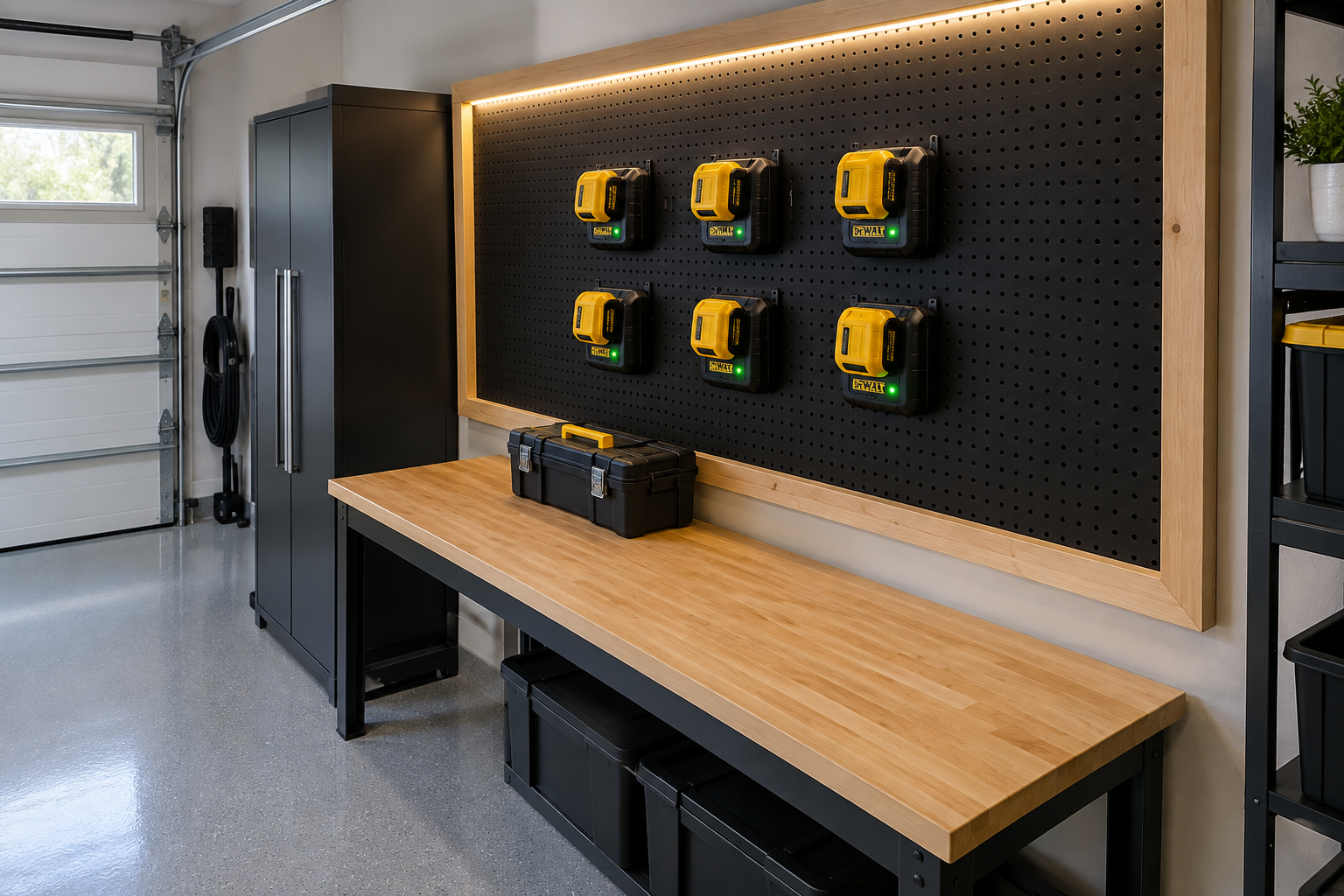
Matte black pegboard gives this DeWalt charging wall a sharp, intentional look without costing much to build. Six chargers sit in two symmetrical rows, held by a mix of metal hooks and printed plastic mounts, so every battery has an obvious home. If you want to build something similar, my guide to garage pegboard systems covers the best panels and hardware for this kind of setup.
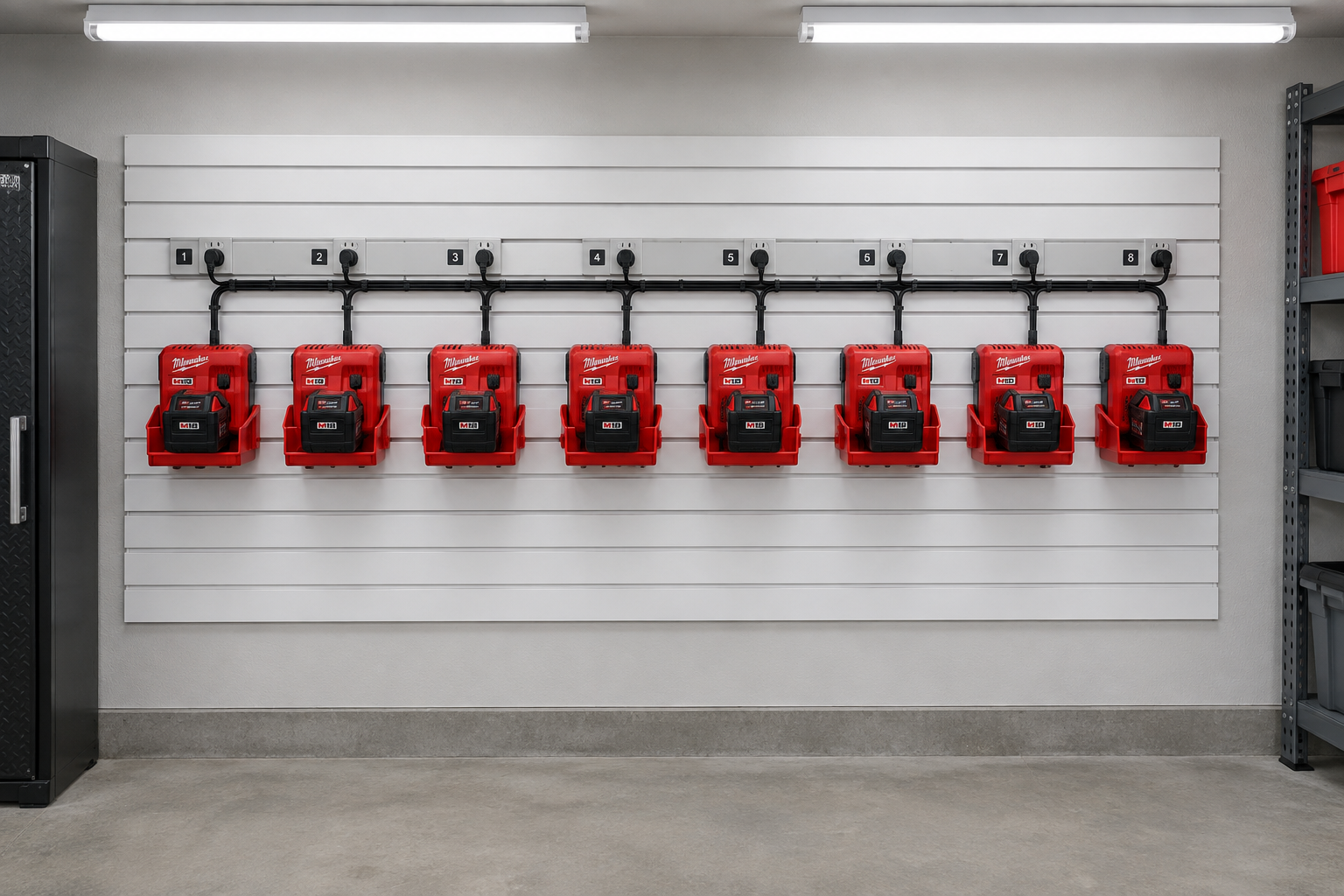
Slatwall is one of the most flexible surfaces for a battery charging wall because you can reposition everything as your tool collection grows. This Milwaukee setup uses red cradle inserts that snap right into the slatwall channels, keeping the color scheme consistent with the brand. The outlet strip runs along a cable raceway behind the chargers, which keeps the cords from drooping across the wall.
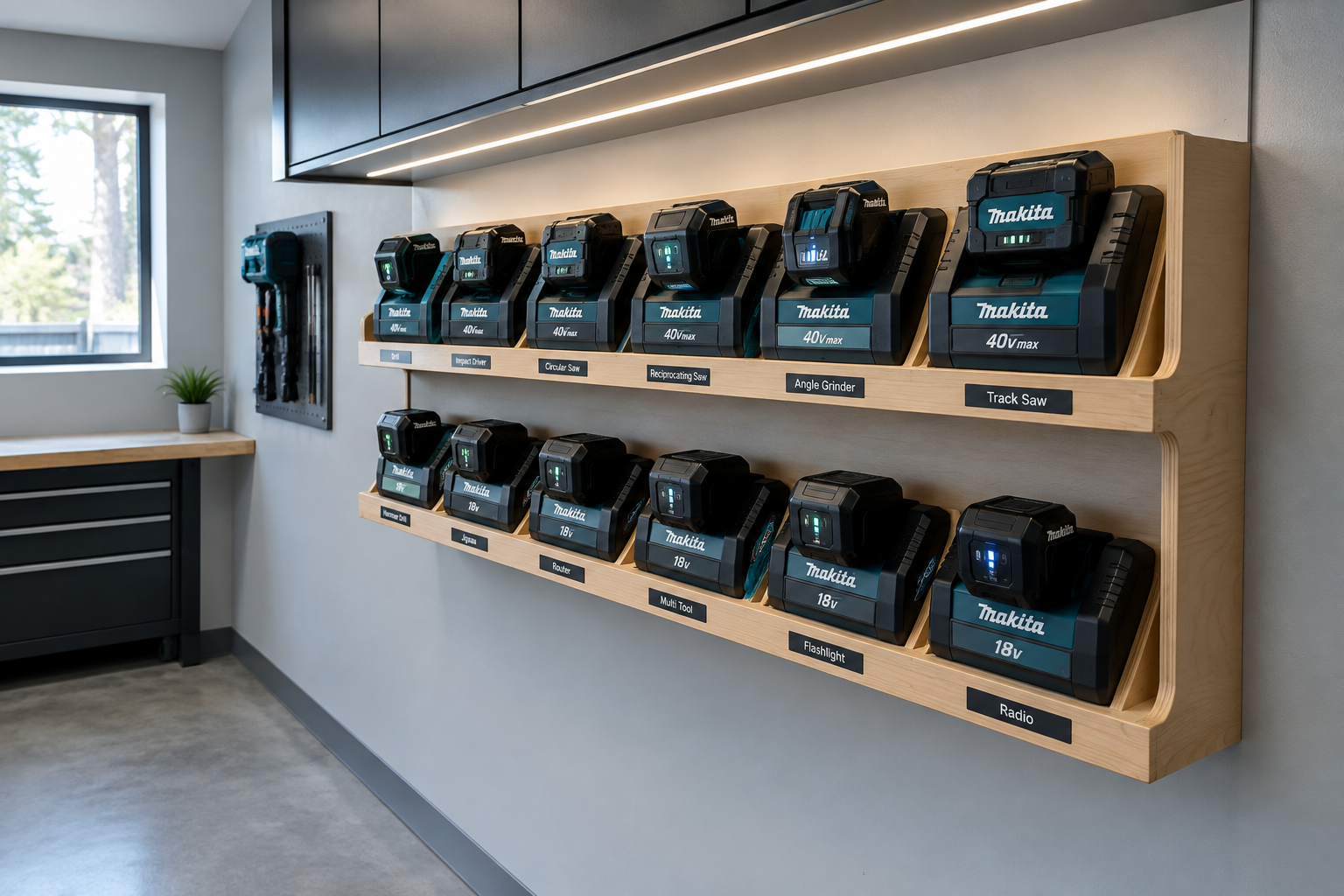
A two-tier plywood shelf with routed charger slots is a satisfying DIY project that costs maybe thirty dollars in materials and looks completely custom. The label strips under each slot are a small touch that pays off fast when you’re looking for a specific battery in a hurry. This kind of built-in storage pairs naturally with a broader garage tool storage system if you want the rest of your wall to match the same clean logic.
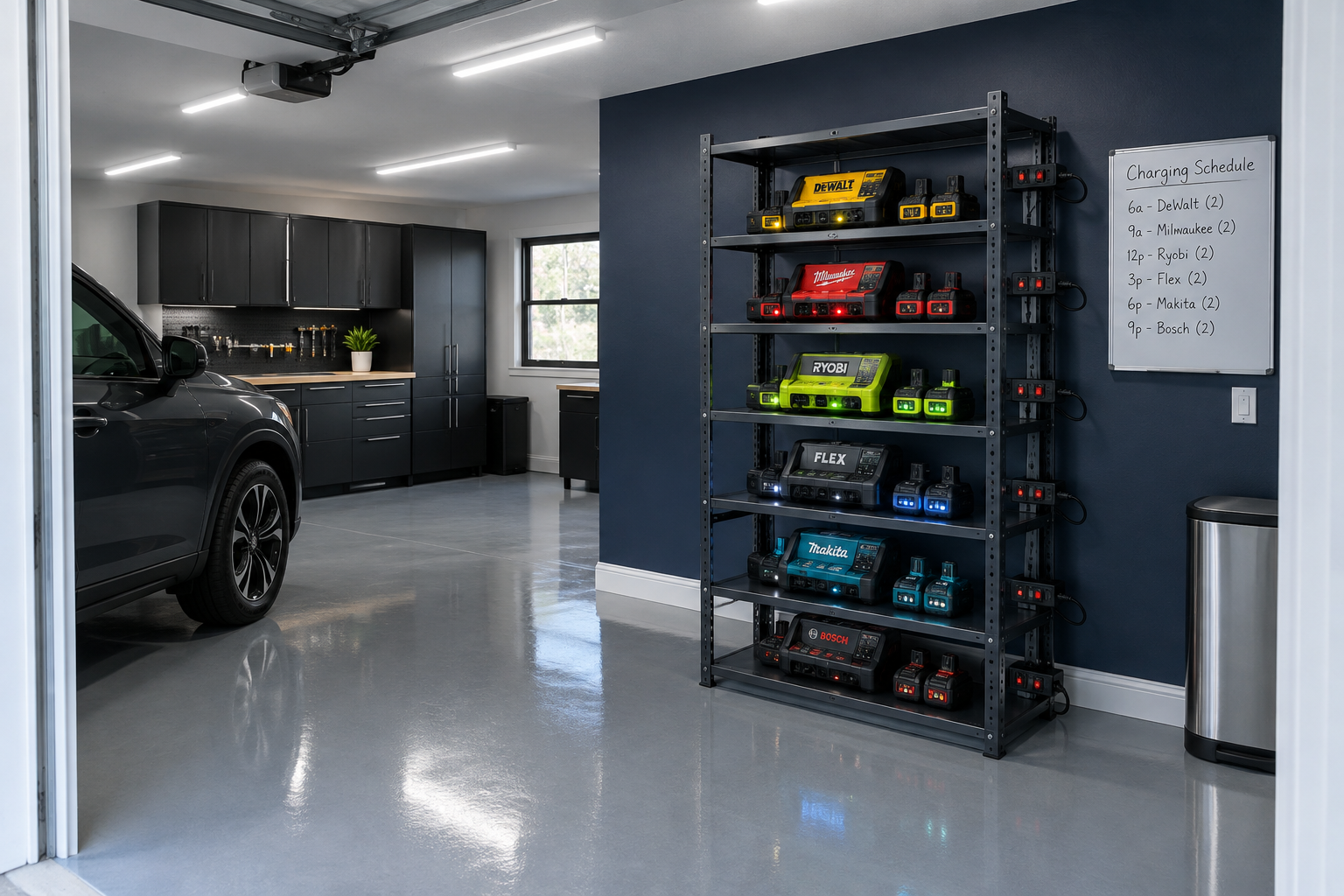
If you run tools from multiple brands, a steel shelving unit gives you the vertical space to keep every ecosystem on its own tier without everything getting mixed up. Individually switched power bars on each shelf mean you can cut power to any tier independently, which is handy if you charge overnight and want to avoid leaving batteries plugged in indefinitely. Running enough circuits to power a setup like this is something my guide on wiring a garage for workshop tools covers in full detail.
E-Bike and Scooter Docks
E-bikes and electric scooters have become a real storage challenge in a lot of garages because they need floor space, wall space, and a reliable place to charge all at the same time. A purpose-built dock solves all three at once by combining a mount or parking spot with a dedicated outlet and cord management. The best docks keep the bike secure, the charger accessible, and the floor around them clear. Since a lot of the same principles apply to regular bike storage too, you might find my post on garage bike storage ideas useful for the rest of the two-wheelers in your space. And if you’re thinking about adding a full EV charging circuit, my guide to garage EV charging station installation walks through what that actually involves.
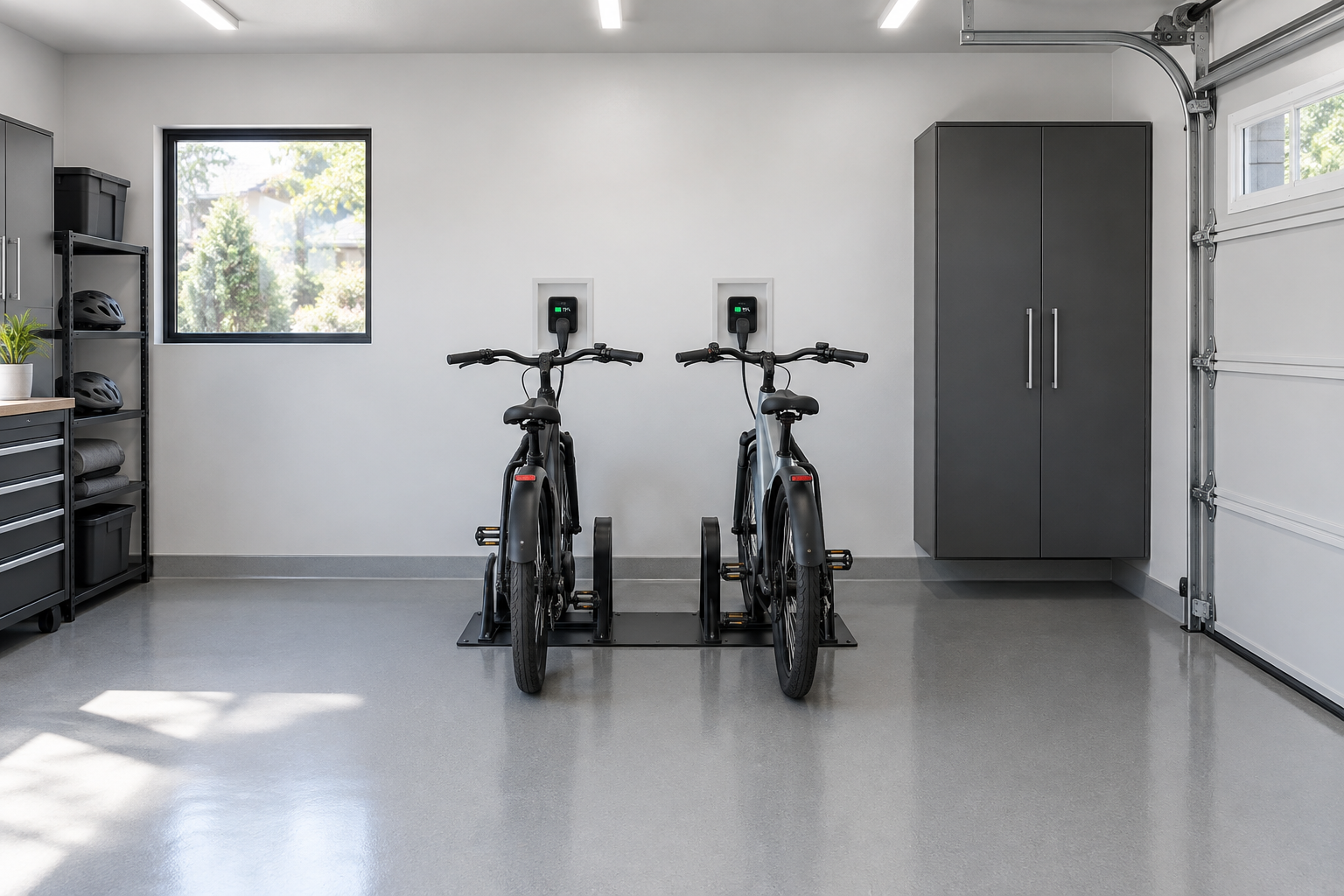
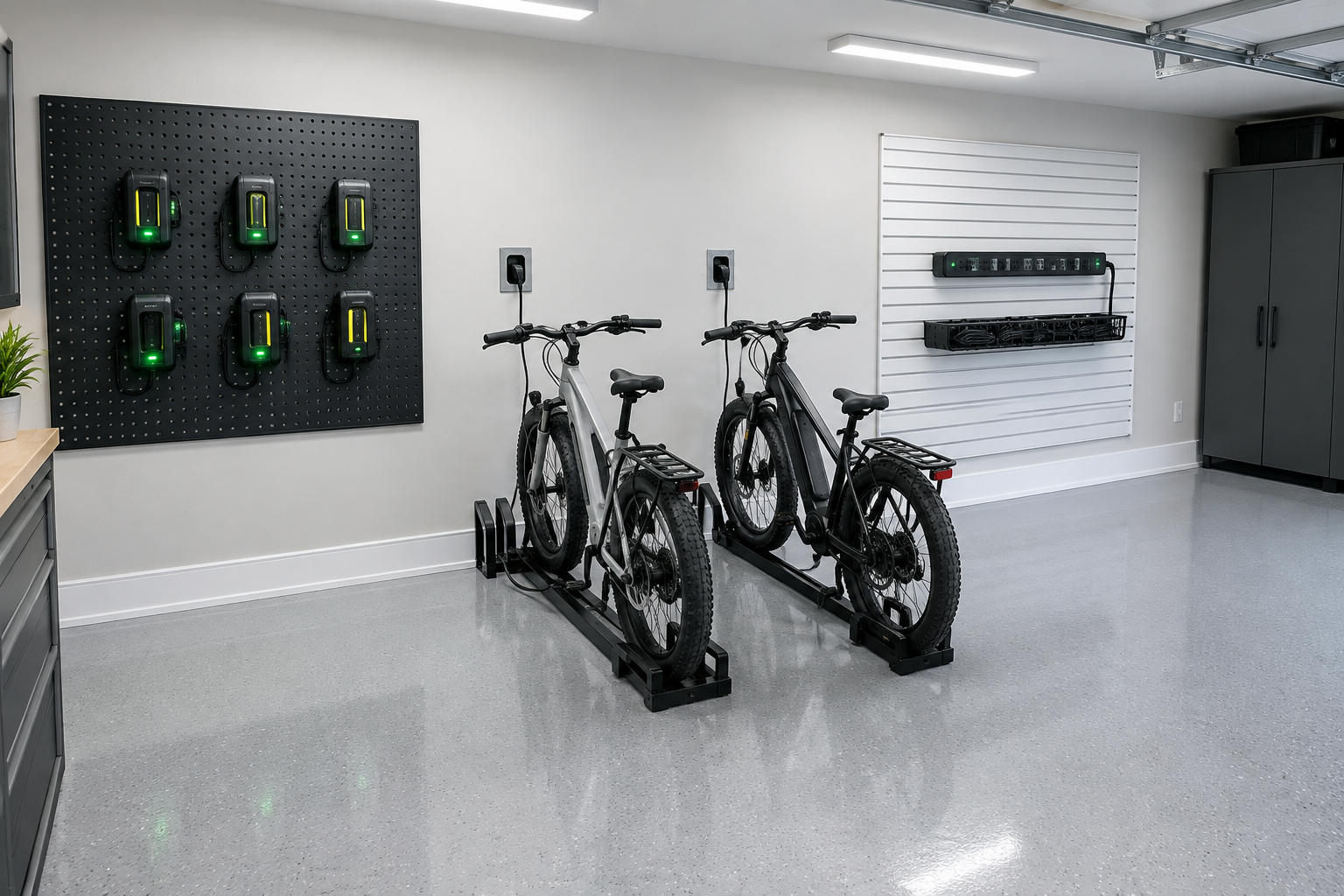
Floor-mounted dual docks like this one keep the bikes perfectly vertical and just far enough apart to roll each one out without lifting or shuffling. Recessed outlets directly behind each parking position mean the charger cord never has to reach across open space. It’s a clean solution that also protects the outlet from being bumped by the bike itself.
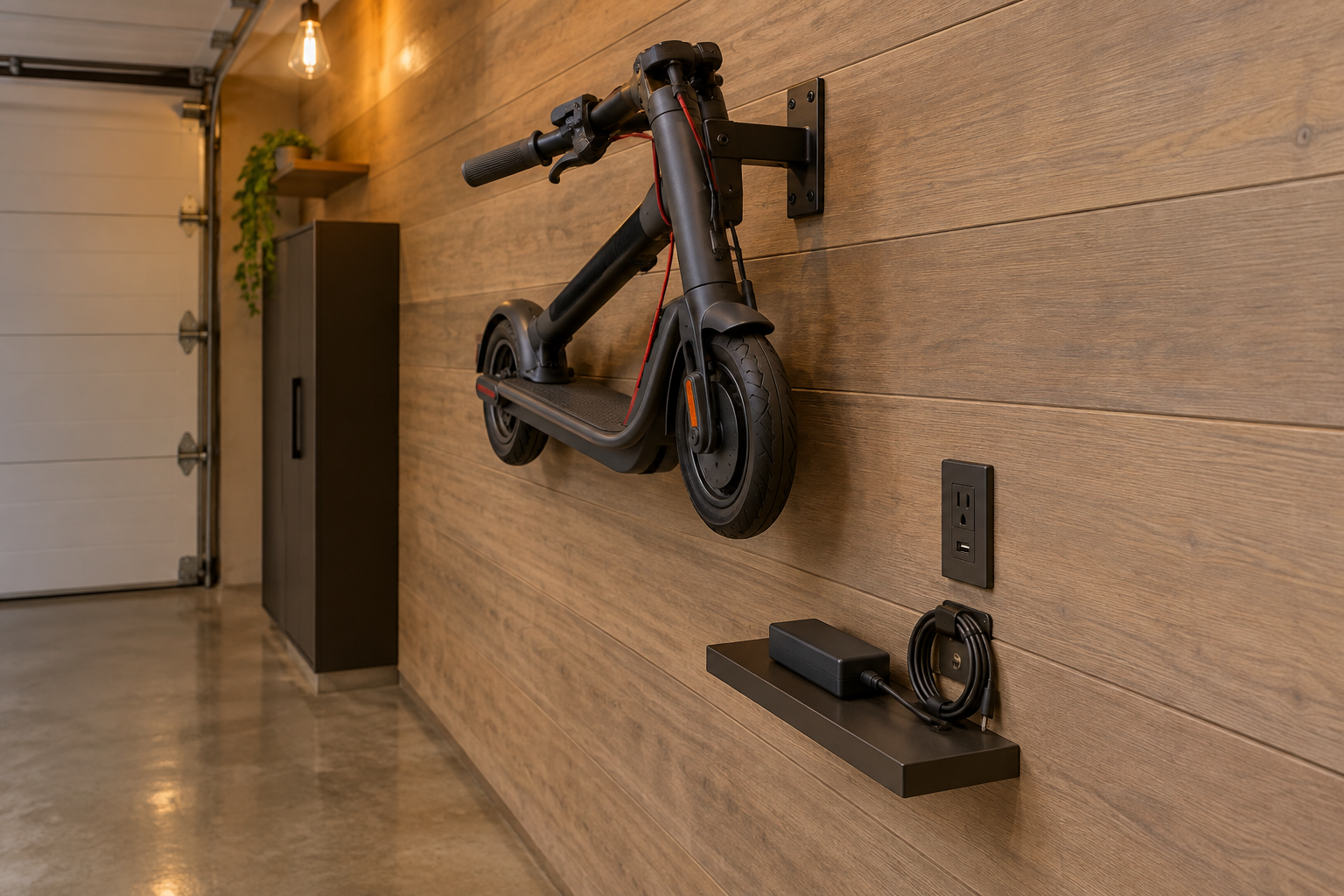
In a tight single-car garage, hanging the scooter on a folding wall bracket is the only way to keep it off the floor without losing the ability to get past it. A small floating shelf below the bracket gives the charger a permanent home so it doesn’t end up sitting on the floor wrapped in its own cord. This approach works especially well if you’ve already tackled storing bikes in a garage without losing car space and need to fit one more vehicle into a crowded plan.
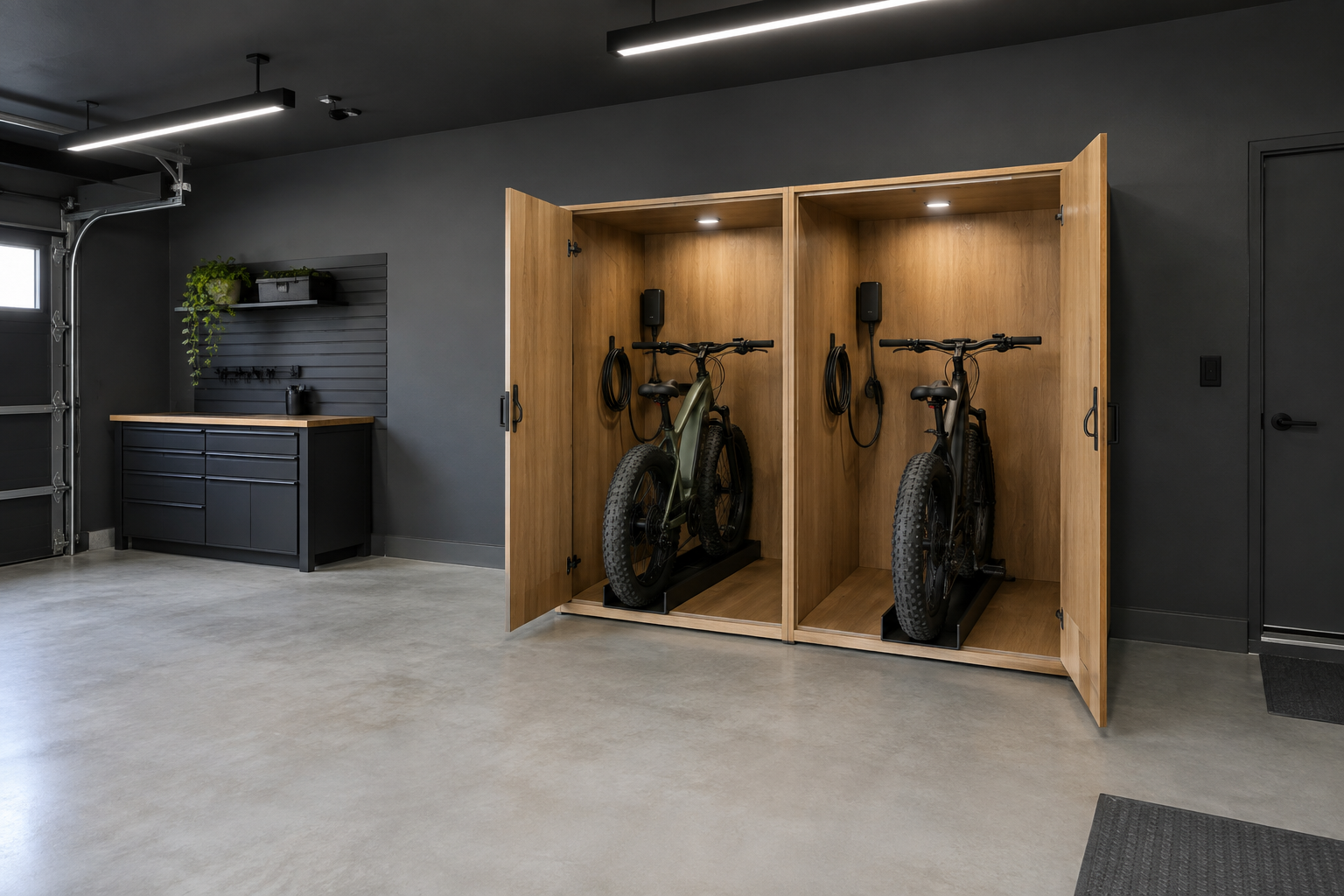
A cabinet-style dock hides everything when the doors are closed, which is worth considering if your garage doubles as living space or you’re in a community with HOA visibility rules. The rubber wheel troughs hold fat-tire bikes upright without straps or kickstands, and the charger lives inside the compartment so there’s nothing to trip over. It’s a more ambitious build but the result looks nothing like a typical garage corner.
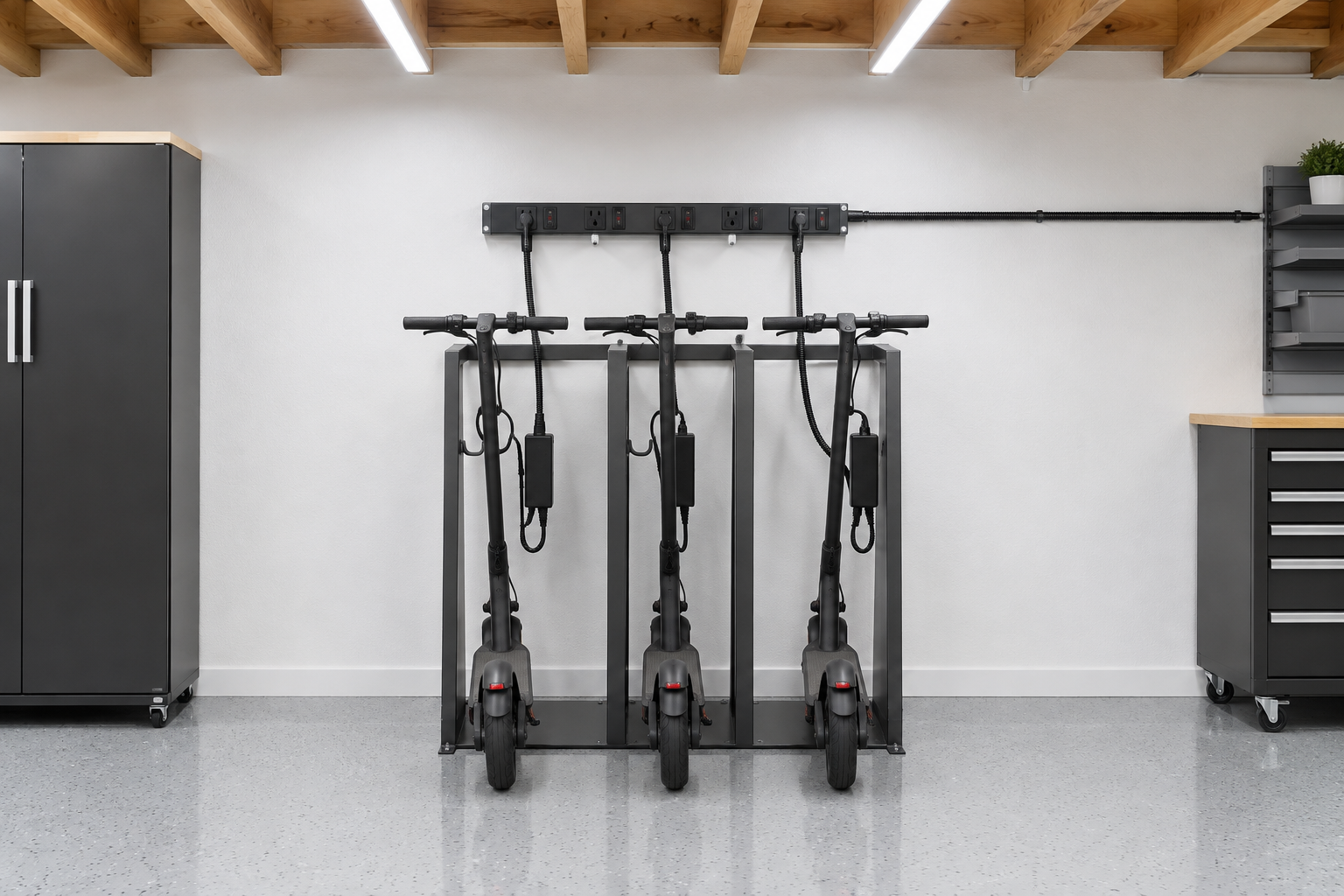
A three-slot steel scooter rack keeps a small fleet organized without taking up much wall real estate. Running each charger cable through split loom tubing to a shared power strip makes the wiring look deliberate rather than messy. The surge protector on the strip is a practical detail worth noting for any setup where multiple chargers run at the same time.
Cable Management Systems
Cable management is the part of a charging station that most people skip, and it’s exactly why so many garage charging corners end up looking worse six months after they’re built. Good cable management isn’t decoration. It protects cords from getting pinched, makes it easy to swap chargers in and out, and keeps the whole wall readable at a glance. The tools are cheap: cable raceways, split loom, adhesive cable clips, and zip ties do most of the work. If you’re thinking about adding new outlets as part of this process, my post on adding electrical outlets to garage walls is a good place to start before you finalize your layout.
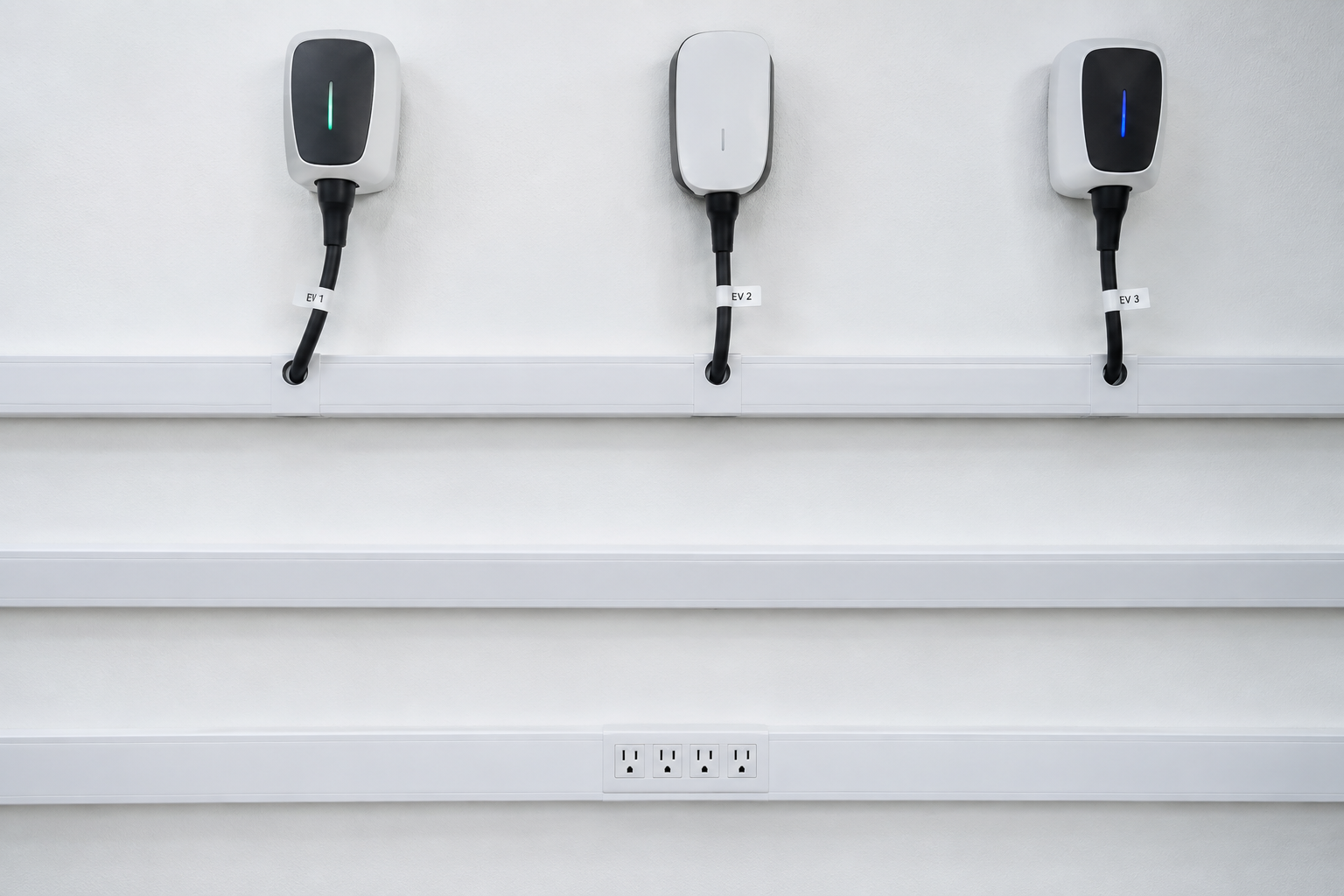
PVC cable raceways painted to match the wall are nearly invisible once installed, which is the whole point. Three parallel runs give you a lane for power cables, a lane for charger output cables, and a spare for future additions. The labeled cable tags at each exit point take about five minutes to add and save a lot of confusion later when you need to trace a specific cord.
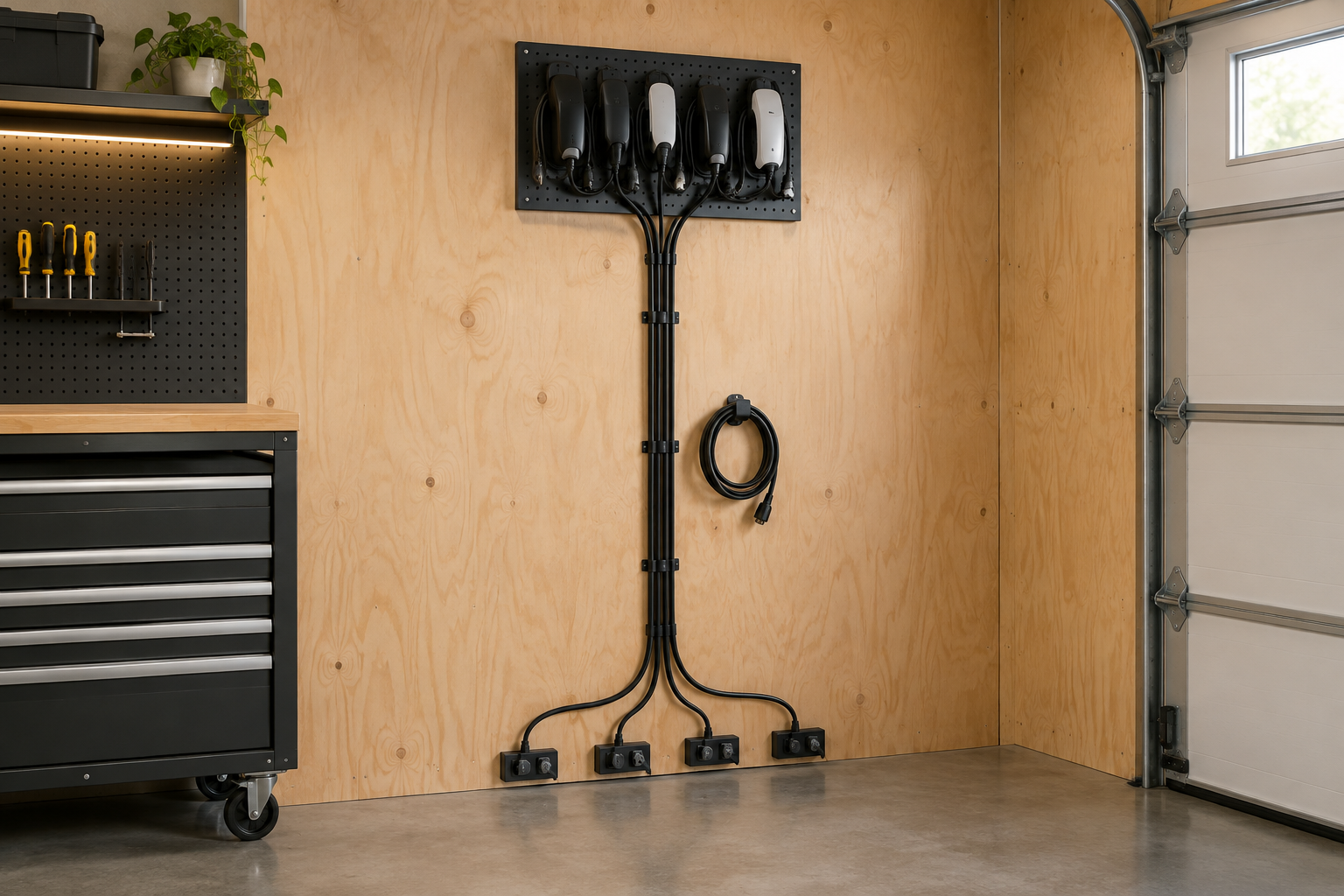
Split loom tubing is the workhorse of cable management in a working garage. It handles heat, flex, and the occasional accidental scrape far better than plastic raceways do. The J-clips spaced every eight inches keep the bundle flat against the plywood so it reads as a single intentional element rather than a cord run as an afterthought.
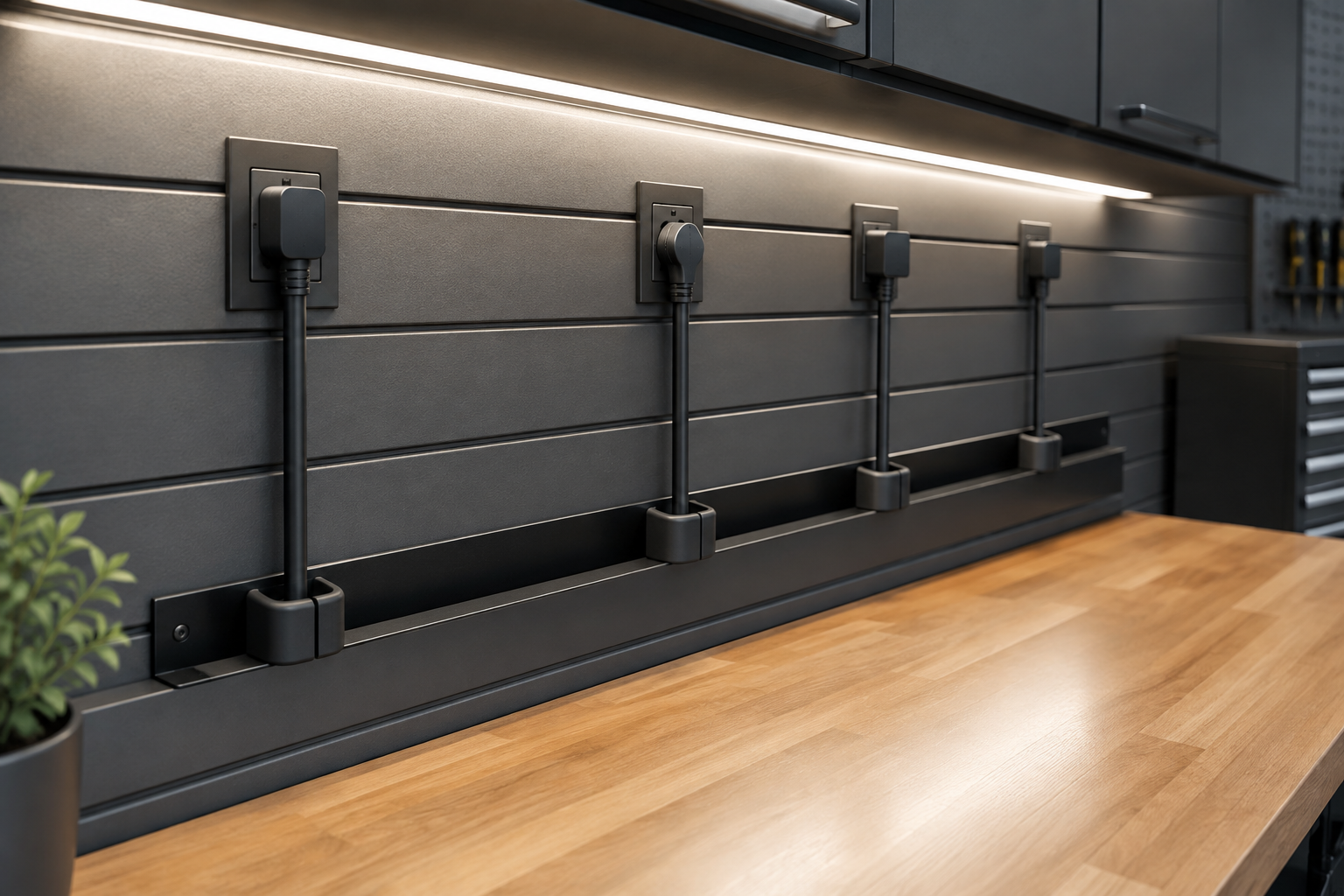
A cable management tray mounted at the back of the bench is one of the cleanest solutions for a workbench charging zone because each cable has a fixed lane and can’t slide around. Rubber separators inside the tray keep individual cords from touching each other, which matters if you’re running chargers that put out any meaningful heat. Pairing this with outlets spaced directly above each separator means you get zero cable crossing anywhere on the bench.
Smart Outlet Setups
A smart outlet setup takes a charging station from functional to actually intelligent. You can set schedules so batteries never sit on a charger for eighteen hours, monitor energy draw from your phone, and cut power to individual outlets remotely. In a Florida garage like mine, where summer heat already stresses batteries, being able to shut off charging automatically when a battery is done is more than a convenience. Most smart outlet setups start with a smart plug or a smart power strip, and they integrate with whatever home automation platform you already use. My overview of smart garage technology ideas covers the broader picture if you want to see how outlet control fits alongside lighting, sensors, and door automation. For deeper wiring specifics, the guide on wiring a garage for smart home devices is worth a read before you start buying hardware.
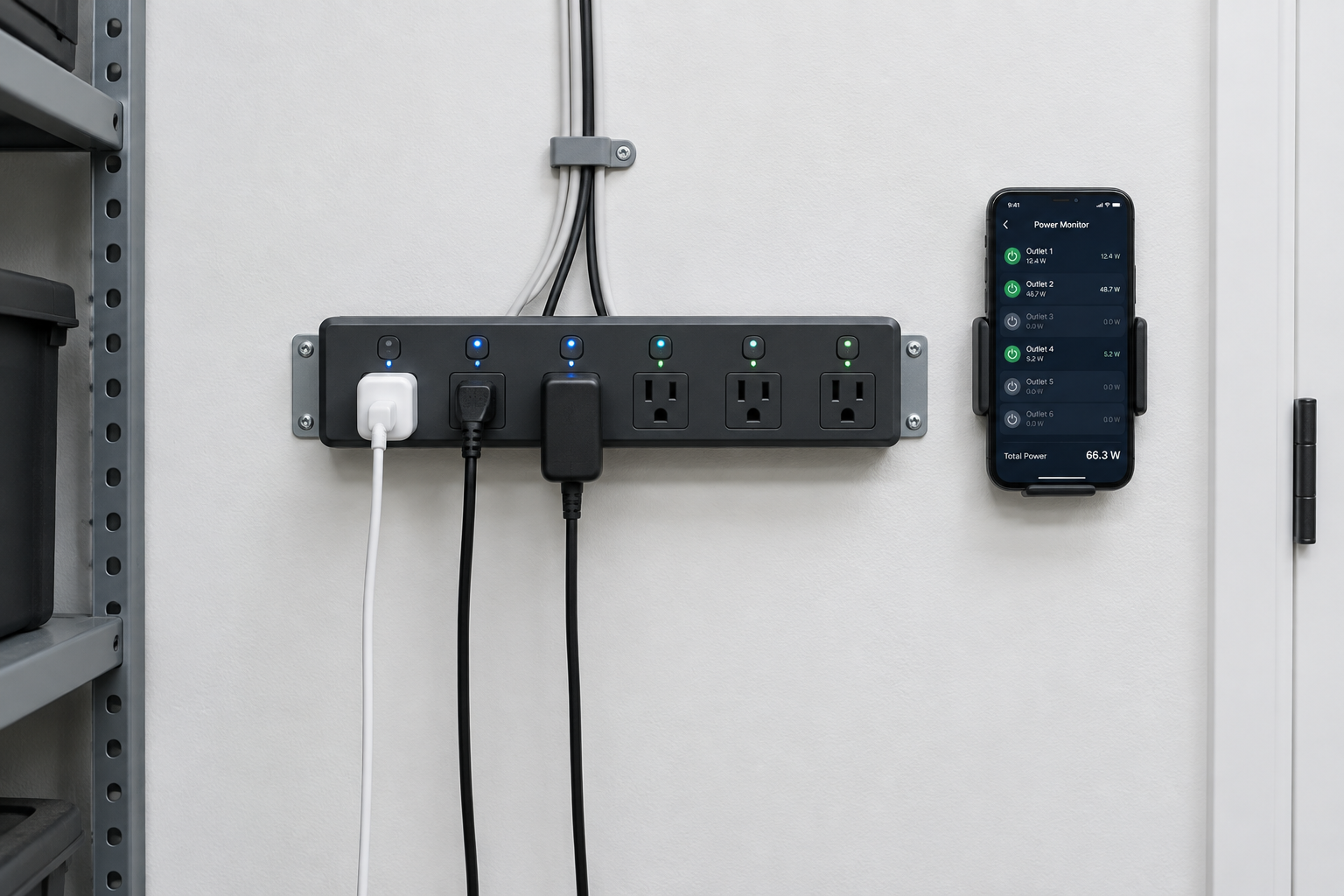
A smart power strip with individually switched outlets is the fastest way to add schedule control and energy monitoring to an existing charging station without any rewiring. The per-outlet LED indicators give you a quick visual read from across the garage so you know at a glance what’s on and what’s been cut. Mounting a phone dock next to it keeps the monitoring app visible while you work.
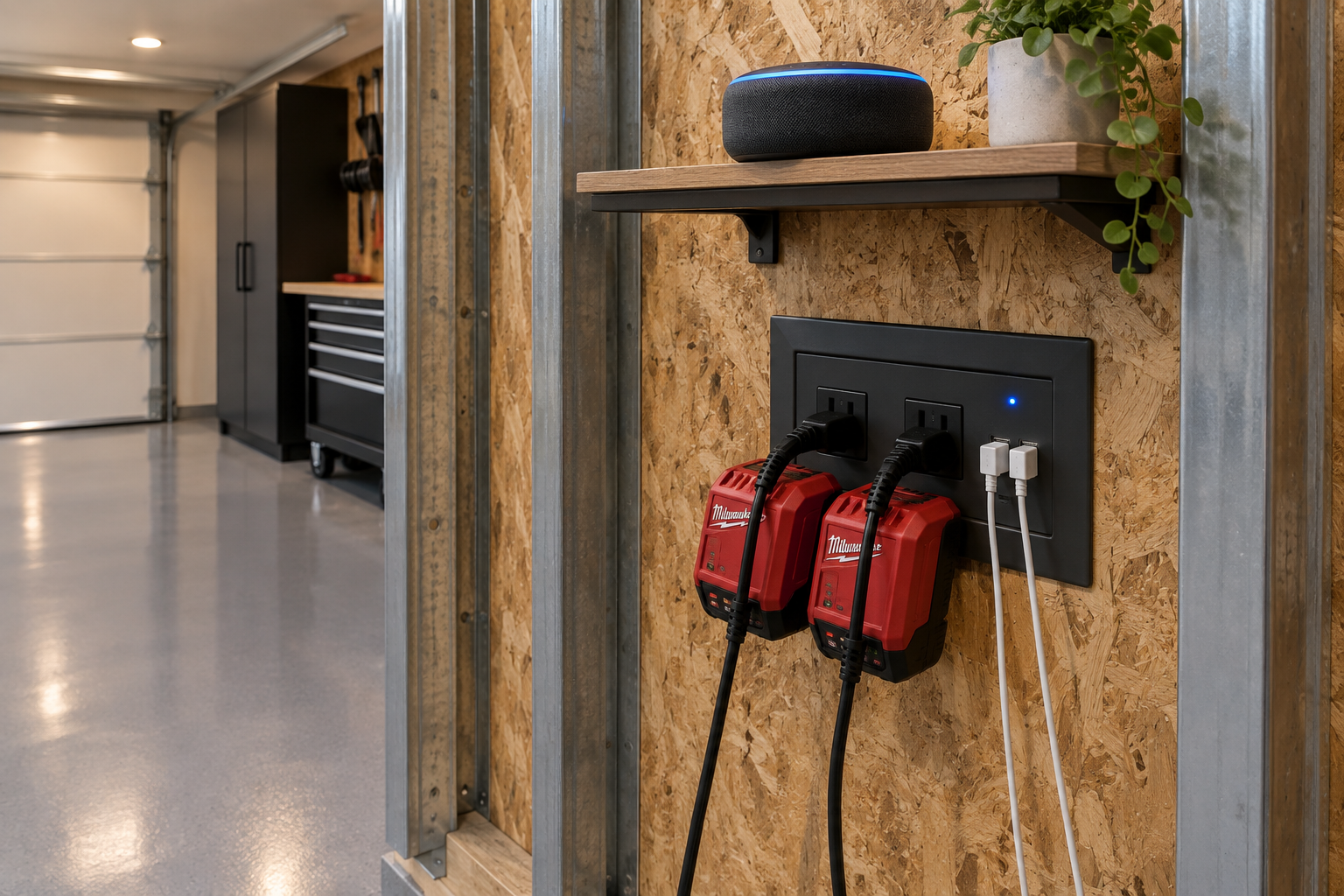
Recessed in-wall smart outlets look finished in a way that a mounted plug strip never quite does, and the built-in USB ports mean your phone cables don’t need a separate charger block taking up an outlet. The voice assistant on the shelf above lets you turn charging on and off with a spoken command, which is the kind of thing that sounds like a gimmick until you actually have paint-covered hands. This pairs naturally with a broader garage smart home integration plan if you’re already thinking beyond just the outlets.
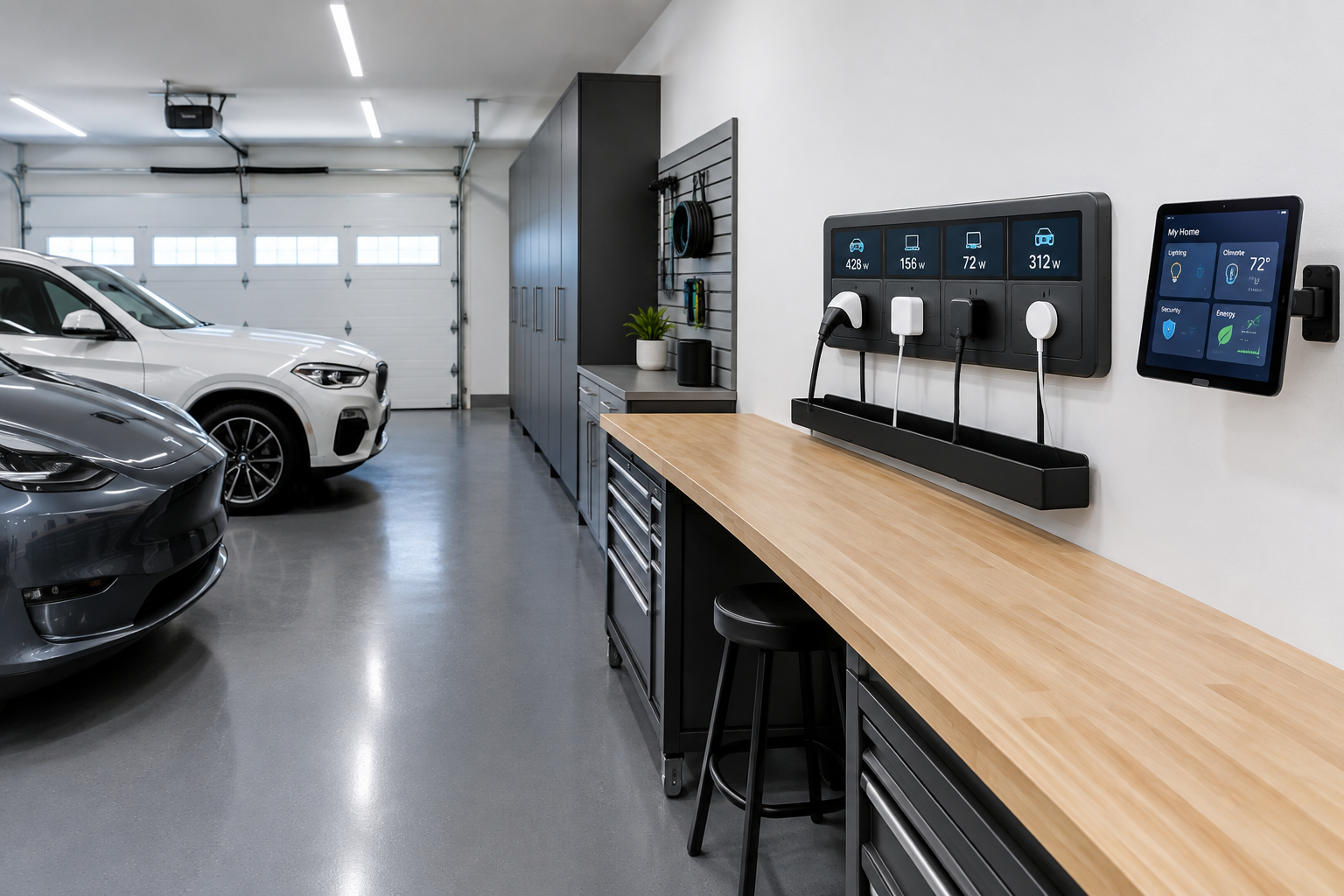
A smart outlet panel with a built-in energy display is the most informative option if you want to know exactly how much power each charger pulls over time. Seeing real wattage numbers per outlet has a way of changing how you think about what you leave plugged in. If you’re considering adding dedicated circuits to support a setup like this, the post on adding a 240V outlet for garage power tools covers the electrical planning side of that decision well.
