

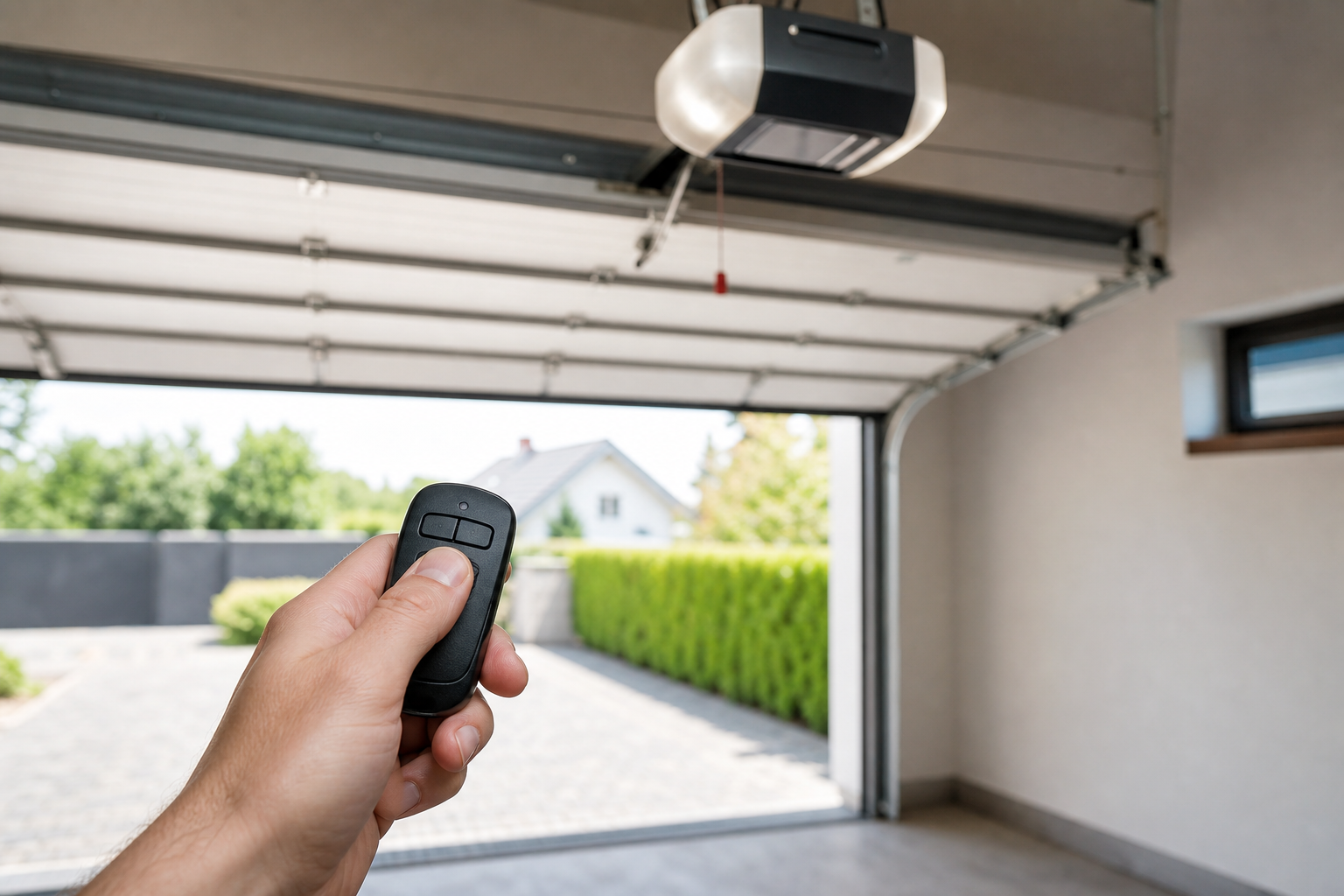
Dealing with a situation where your garage door opener remote isn’t working is one of those garage frustrations that catches you off guard. Everything seemed fine until one day you notice something isn’t right. The reassuring truth is that these issues almost always trace back to identifiable causes with practical solutions.
This guide covers the most common culprits in diagnostic order, starting with the simplest checks. Most readers find their answer within the first few sections without needing a service call.
Understanding the Basics
Most garage door opener remote failures come down to a few common causes. Your remote sends a radio signal to the opener’s receiver, which then activates the motor. When this communication breaks down, it’s usually due to power issues, signal interference, or component failure.
The good news is that you can diagnose most problems with simple tests. Start with the easiest fixes first, since they solve the majority of remote issues. If basic troubleshooting doesn’t work, you’ll know it’s time to dig deeper or call a professional.
Modern garage door openers use rolling code technology for security, which means the signal changes each time you use the remote. This prevents unauthorized access but can sometimes cause programming issues that require resetting the remote to the opener.
Dead Batteries
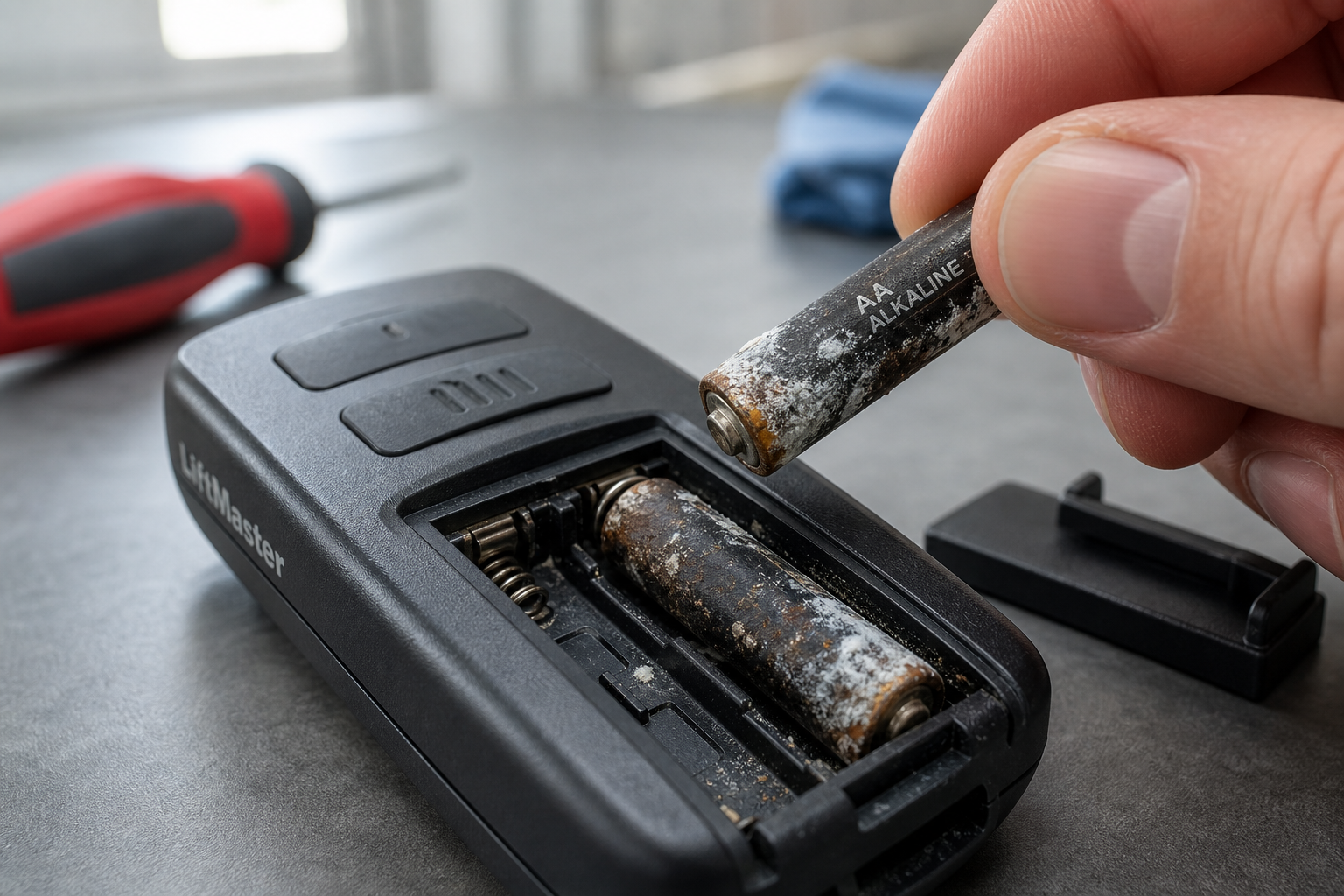
Dead batteries are the most overlooked remote failure cause. Most remotes use CR2032 or CR2016 coin cells lasting 1 to 2 years. A common mistake: CR2032 and CR2016 are the same diameter but different thicknesses. The wrong one either won’t fit or won’t contact the terminals properly.
Check the battery compartment for corrosion, especially white or green buildup on the contacts. Clean with a cotton swab dipped in rubbing alcohol if needed. Even if the battery shows voltage on a meter, it might not deliver enough current under load to power the transmitter.
Replace the battery even if you think it’s good. Fresh batteries eliminate this variable completely and cost far less than a service call. Most hardware stores and pharmacies stock the common coin cell sizes.

Antenna Wire Issues
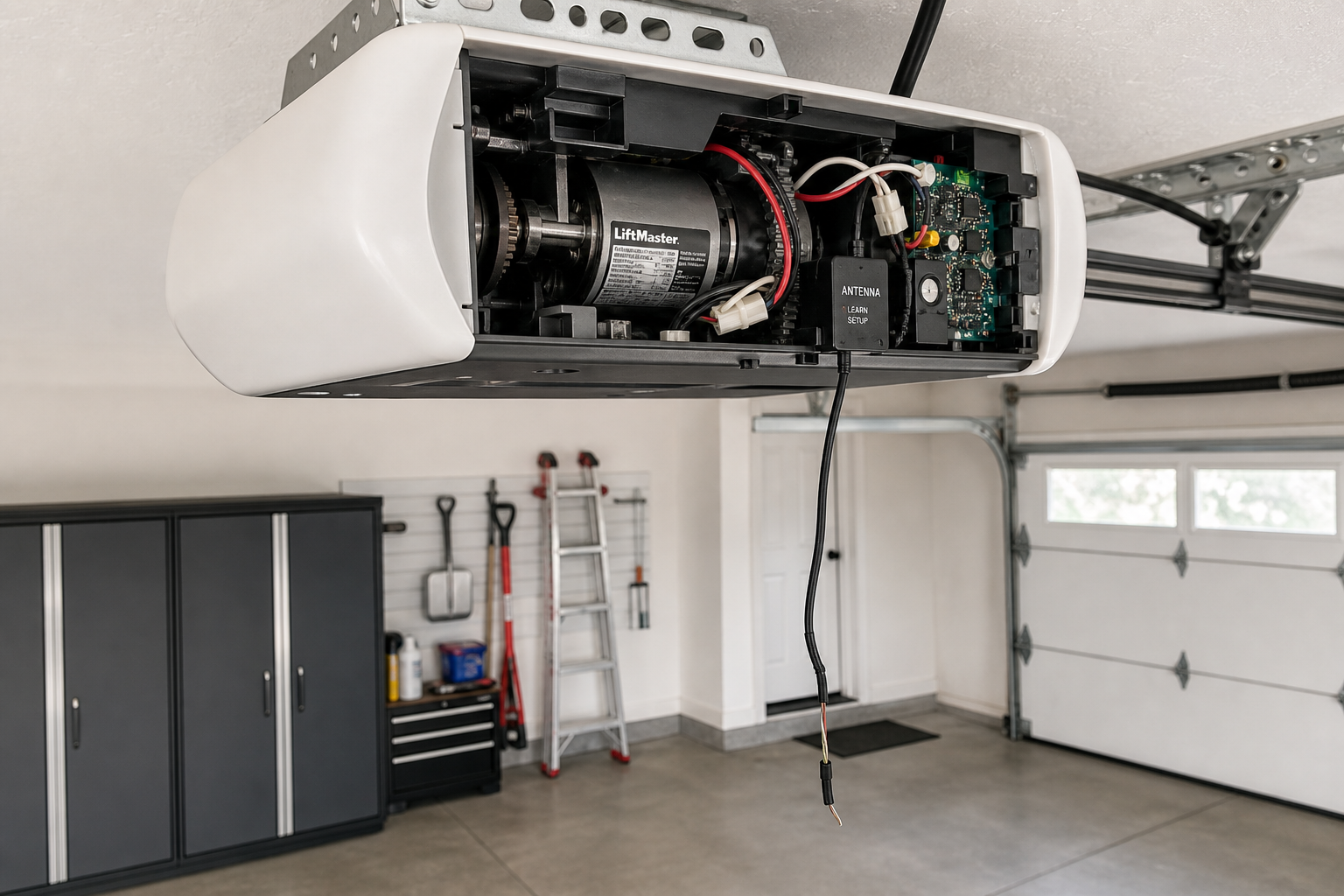
The opener’s antenna (a short wire hanging from the motor unit) significantly affects remote range. If it’s coiled up, tucked away, or broken, range drops dramatically. Straighten it to hang vertically, clear of metal surfaces. This often restores full range for remotes that only worked directly under the opener.
The antenna wire should hang down about 6 inches from the motor unit. Don’t let it touch metal garage door tracks, as this creates interference. If the wire is broken or missing, replacement antenna kits are available for most opener brands.
Metal objects near the antenna can block or reflect the signal. Holiday decorations, new storage shelves, or even a parked car in a different spot can affect reception. Try operating the remote from various positions to identify dead zones.
Range Problems and Signal Interference
If your remote works but only from very close to the opener, you’re dealing with range issues. Check for new sources of interference like LED light bulbs, WiFi routers, or baby monitors operating on similar frequencies. These can overwhelm the opener’s receiver.
Garage door openers typically operate on 315 MHz or 390 MHz frequencies. Some newer models use WiFi or other frequencies to avoid interference. If you recently installed new electronics in the garage, try unplugging them temporarily to see if remote range improves.
Weather can also affect range. High humidity, temperature extremes, or atmospheric conditions sometimes reduce signal strength. This is usually temporary and resolves when conditions change.
For persistent range issues, consider upgrading to a newer remote model with better range specifications. Some aftermarket remotes offer significantly better performance than original equipment.
Programming and Reprogramming
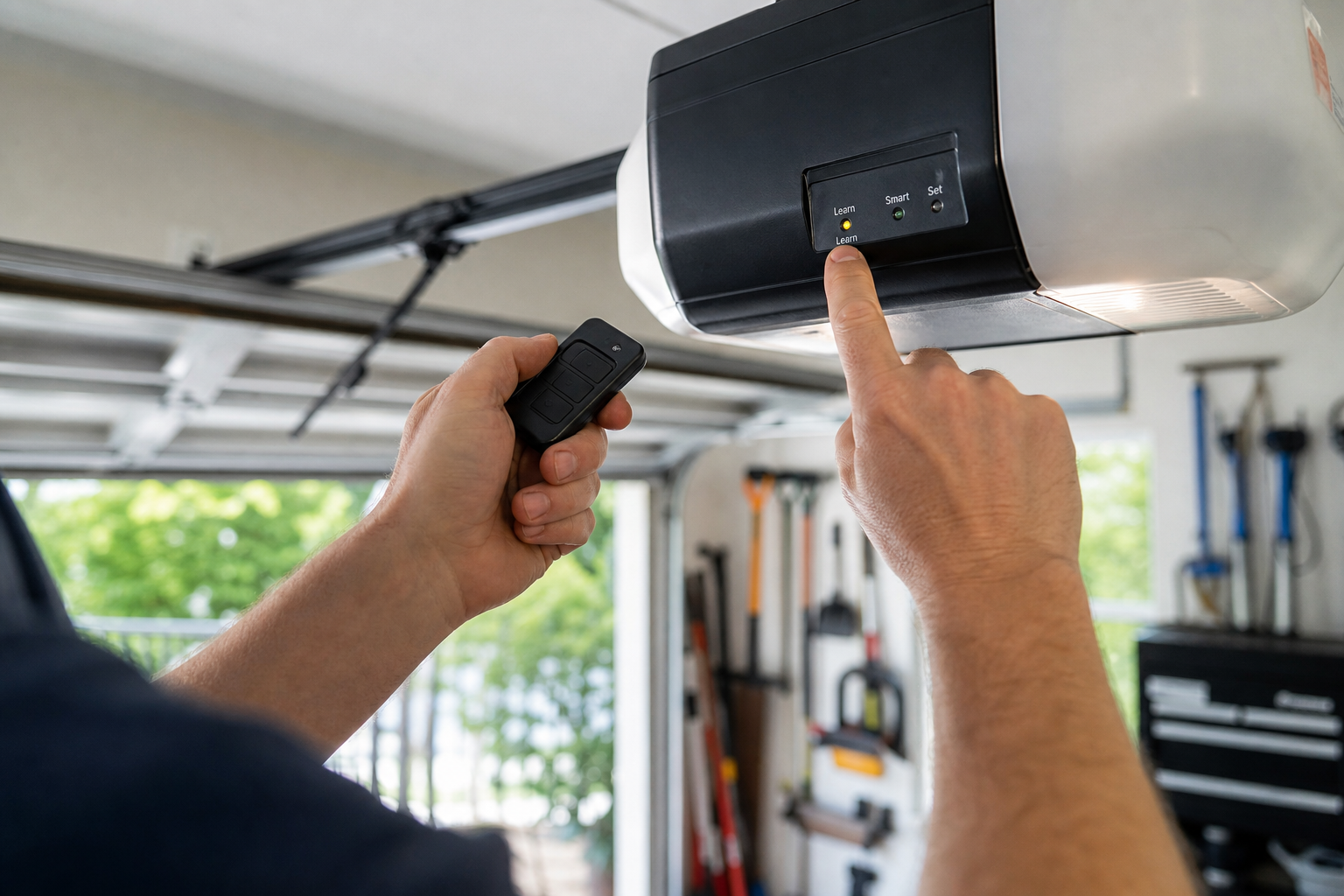
Sometimes remotes lose their programming due to power outages, electrical surges, or random electronic glitches. The process for reprogramming varies by brand, but most follow similar steps. You’ll typically need to press and hold a learn button on the opener while pressing the remote button.
Consult your opener manual for specific programming instructions. If you don’t have the manual, most manufacturers provide PDFs on their websites using your model number. The learn button is usually located on the back or side of the motor unit.
Clear any existing remote codes first if you’re having trouble. This eliminates conflicts with partially programmed or corrupted codes. Most openers have a procedure to erase all remote memory before adding new ones.
HomeLink Car Programming
Programming your car’s built-in HomeLink system requires a slightly different approach than standard remotes. Most vehicles need you to hold both the HomeLink button and your existing remote simultaneously until the car’s indicator light changes pattern.
Some garage door openers require an additional step for HomeLink compatibility. After the initial programming, you might need to press the opener’s learn button again within 30 seconds of the car’s programming sequence. Check both your car’s manual and opener manual for specific steps.
If HomeLink won’t program, ensure your existing remote works properly first. The car system learns from a working remote, so fix any remote issues before attempting HomeLink programming.
Logic Board Failures
The opener’s logic board processes signals from remotes, wall buttons, and sensors. When it fails, symptoms mimic other problems: no remote response, random reversing, or spontaneous operation. If all mechanical and sensor causes are eliminated, the board is likely the culprit.
Logic board replacement requires some electrical knowledge but is manageable for DIY-oriented homeowners. Replacement boards are available online for most brands and cost far less than a new opener. Make sure to match your exact model number for compatibility.
Before replacing the logic board, check for loose wire connections and ensure the opener is getting proper power. Sometimes what appears to be board failure is actually a wiring issue or power supply problem.

Garage Door Opener Circuit Board
Replacement logic boards available for most major brands
When to Call a Professional
DIY covers most remote troubleshooting, but some situations need professional help. If your garage door has mechanical issues like stopping halfway or making unusual noises, address those first. A malfunctioning door can prevent proper remote operation.
High-voltage electrical work, garage door spring replacement, or opener motor problems require professional service. Safety sensor issues can also be tricky to diagnose and might need professional attention, especially if they’re causing the door to reverse unexpectedly.
Get quotes from licensed garage door specialists rather than general handymen. They have the specific knowledge and tools for garage door systems. A reputable technician explains the problem clearly and provides written estimates for any repairs.
Upgrading Your Garage Door Opener
If your opener is more than 15 years old and having frequent remote issues, replacement might be more cost-effective than repairs. Newer openers offer better range, security features, and smartphone connectivity. When choosing between horsepower options, consider your door’s weight and frequency of use.
Modern openers with battery backup continue working during power outages, which older units can’t do. Smart features like smartphone apps and integration with home automation systems add convenience and security.
Installation typically requires professional service unless you’re experienced with electrical work and have the proper tools. The cost difference between DIY and professional installation is often worth it for the warranty and peace of mind.
Frequently Asked Questions
How long do garage door remote batteries typically last?
Most garage door remote batteries last 1 to 2 years with normal use. Frequent use, extreme temperatures, or keeping the remote in direct sunlight can shorten battery life. Replace batteries annually as preventive maintenance, or whenever you notice decreased range or slower response.
Can I program multiple remotes to one garage door opener?
Yes, most garage door openers can store multiple remote codes. Typical capacity ranges from 3 to 40 remotes depending on the model. Check your opener’s manual for the exact limit and programming procedure. You can add remotes one at a time without affecting existing programmed remotes.
Why does my remote work intermittently?
Intermittent operation usually indicates a weak battery, loose battery contacts, or signal interference. Try replacing the battery first, then clean the battery contacts with rubbing alcohol. If problems persist, check for new sources of interference like LED bulbs or electronic devices near the opener.
What should I do if my remote was stolen or lost?
Clear all programmed remotes from your opener’s memory immediately, then reprogram only the remotes you still have. This prevents the lost remote from operating your door. Most openers have a procedure to erase all remote memory using the learn button. Consult your manual for specific steps.
This article contains affiliate links. We may earn a small commission at no extra cost to you.
